Clipping path services
By using precise hand-drawn clipping paths, expert photo editors can create high-quality, sharp images that are free from any background distractions or imperfections.
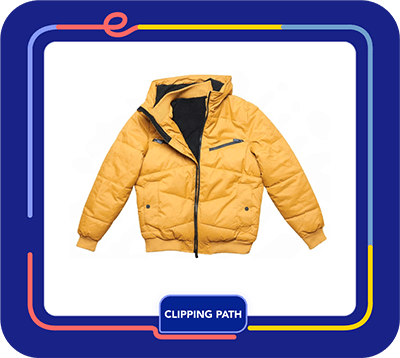

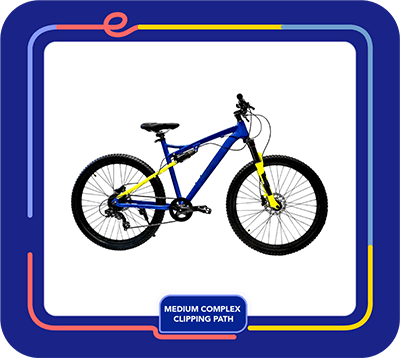


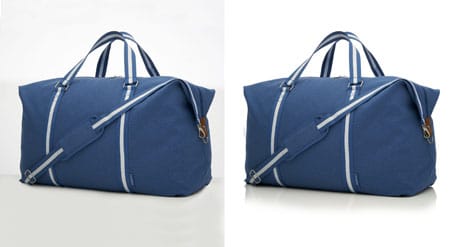


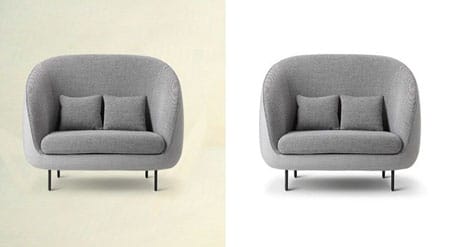
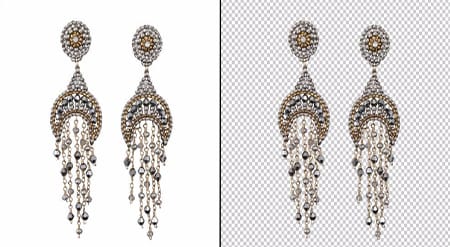
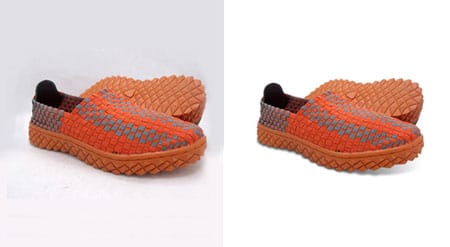
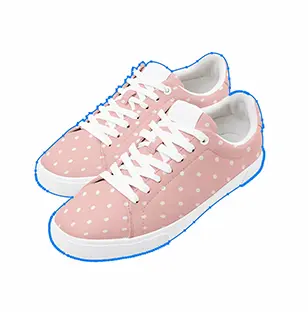
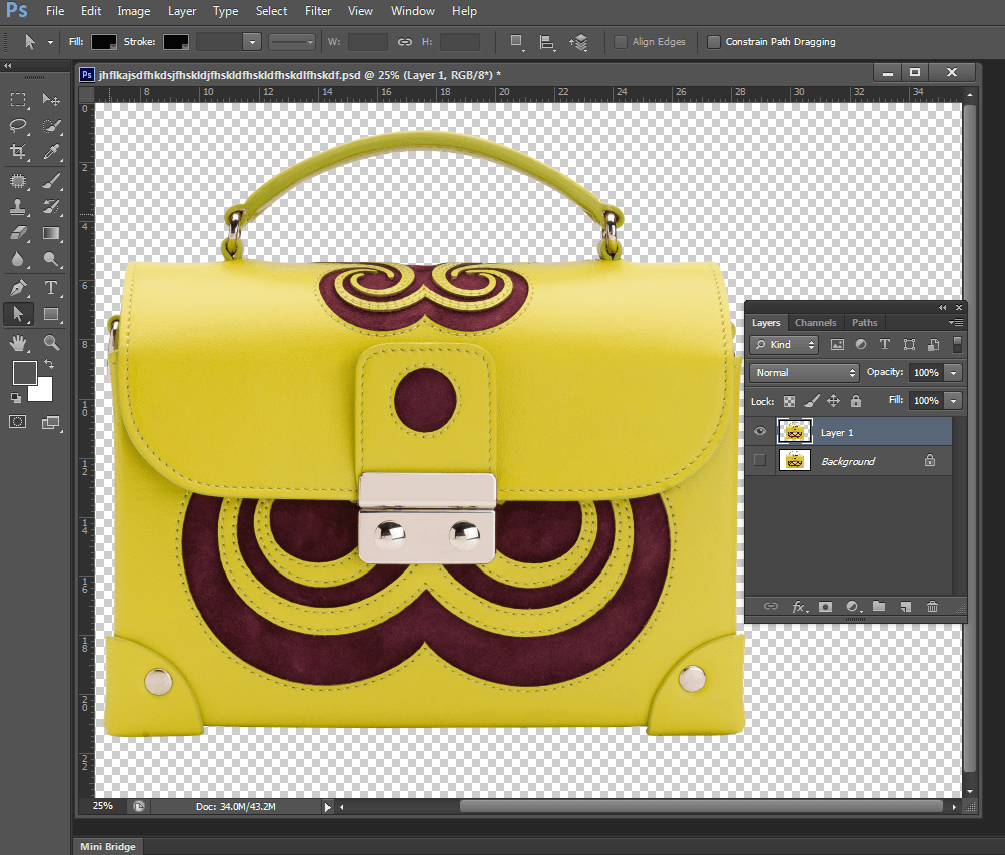
Photoshop Clipping Path is a way to edit photos that lets you draw a line around an object in a picture and then cut it out of its background. You can use this method to separate and change a certain object, making a clear or custom background behind it. The end result of this technique is a high-quality, professional-looking picture that can be utilized for many things, such e-commerce, product photography, print ads, and graphic design.
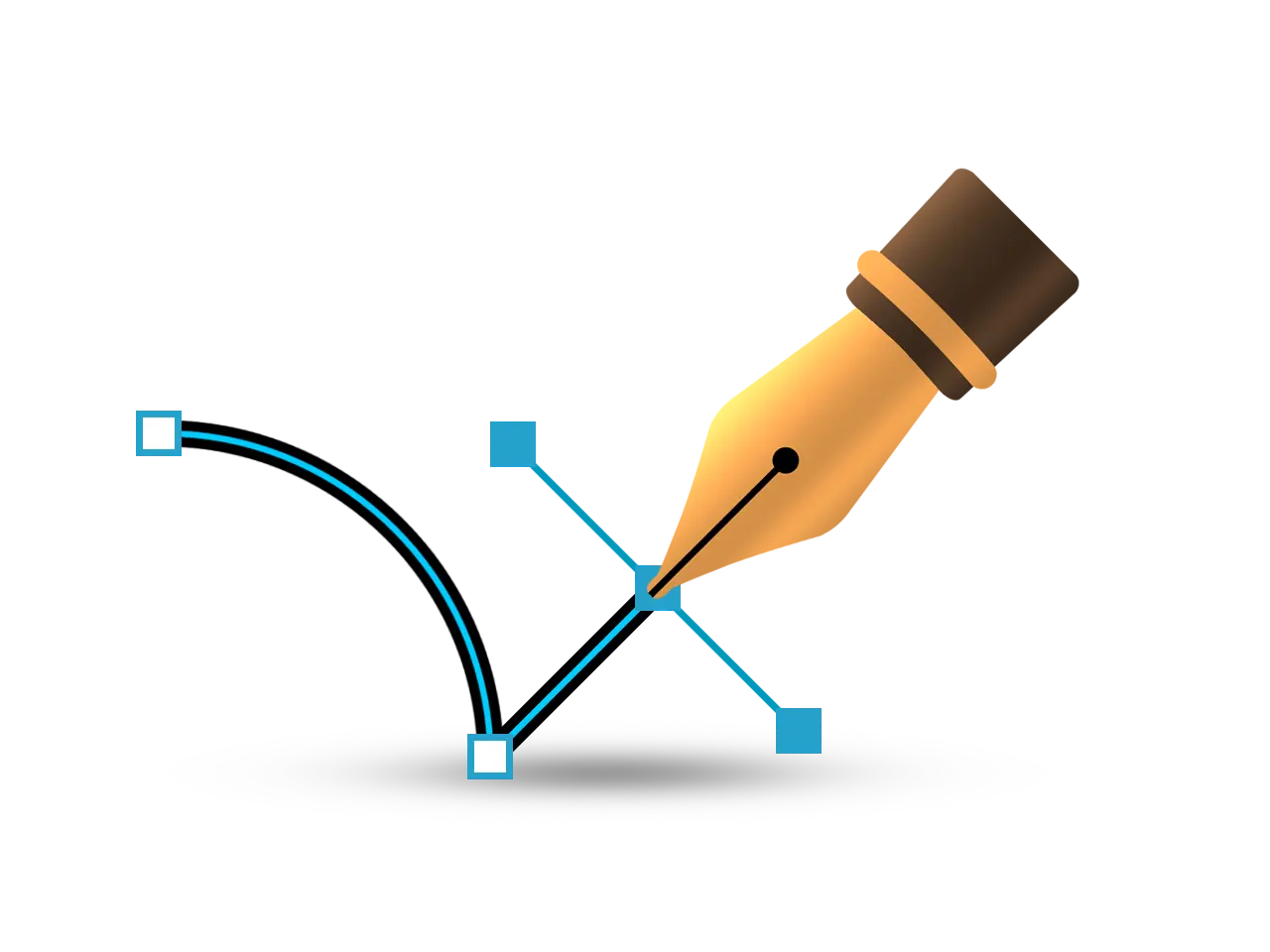
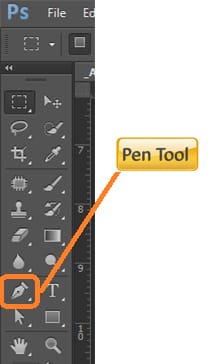
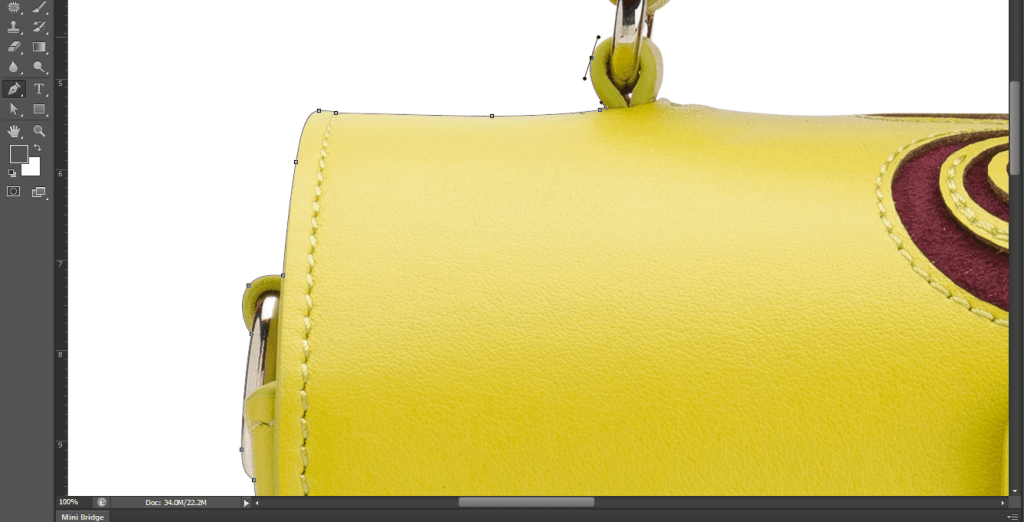
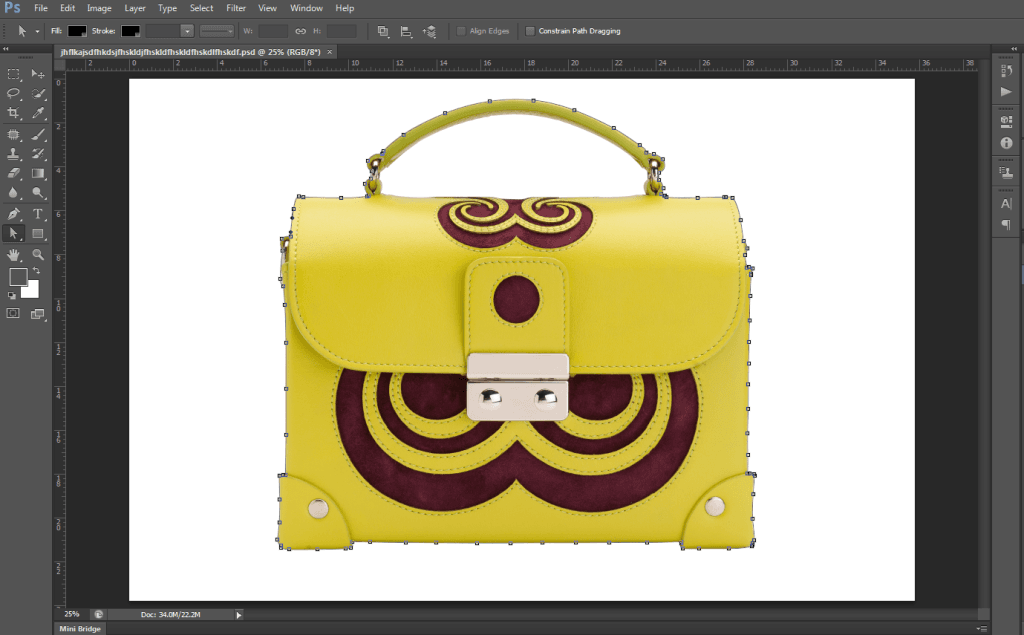
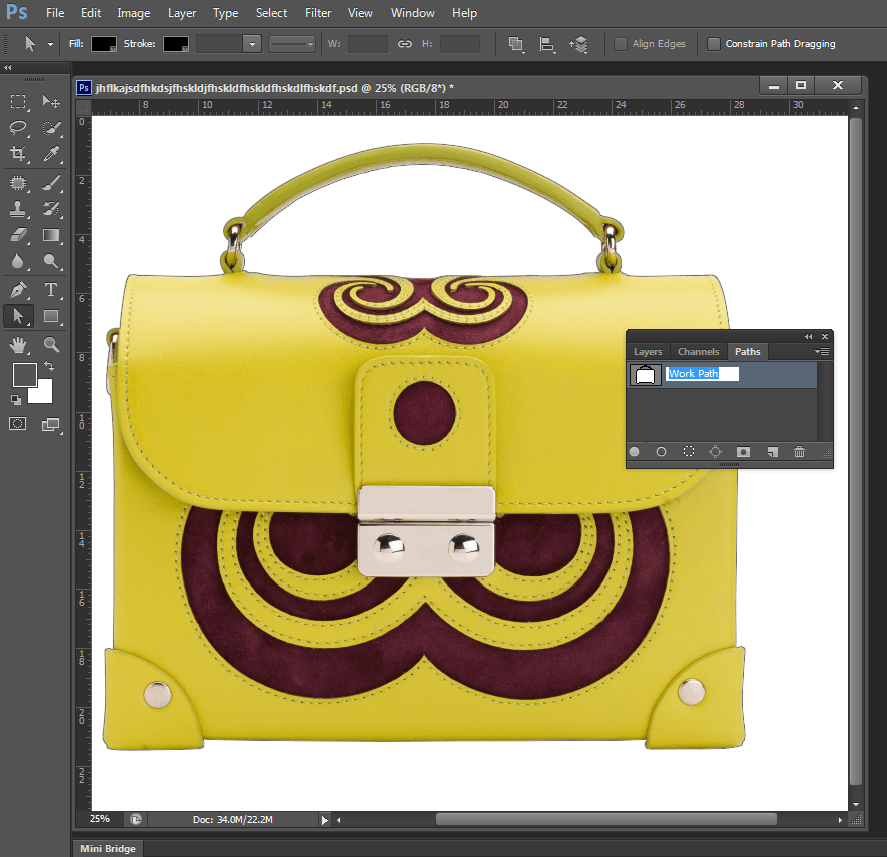
To make a clipping path, you first choose the object you want to separate, which you usually accomplish with the Pen tool in Adobe Photoshop. After that, the designer draws a vector path around the object to show where it ends. Then, the vector path is utilized to cut the object out of its background, leaving a clear or custom background behind it.
Clipping Path Service is a very sophisticated and professional job that needs a lot of attention to detail and a good understanding of how to use picture editing tools and procedures. The talent and experience of the graphic designer, as well as how complicated the image is, affect how well a clipping path is. A basic clipping path may readily separate a simple item with straight lines and solid colors, but a more complicated image with curved lines, several layers, and lots of small details will need a more advanced clipping path.
There are several businesses that offer Clipping Path Services, such as CLIPPING PATH SOURCE. These services can be a cheap way for people and businesses to separate objects or remove backgrounds in photographs. Usually, skilled graphic designers do these jobs. They use specialized tools and methods to make clipping paths swiftly and well.
Clipping Path Service can do more than just remove backgrounds. It can also change the size or color of an object, change its perspective, or add a shadow or reflection to make the image more interesting. This useful and flexible tool helps organizations and people get professional-looking outcomes faster and with less effort than if they did it themselves.
In conclusion, the Photoshop Clipping Path Service is a powerful way to edit photos that lets you separate and change things in a picture and make a clear or unique background behind them. This service can help you get professional-looking results and save time and money, whether you are an e-commerce store owner, a product photographer, or a graphic designer.
The speeds for clipping path projects can be different because some are harder than others.
Even if you want to work with a different designer, we try to keep our prices clear and fair by using common pricing standards for each image.
When we price different clipping path tasks, we look at things like how hard they are and how long they will take to finish.

A basic clipping path lets you change the background of your image to fit your demands. For example, you can make the background white for e-commerce product listings or put your subject in a different setting.
We at Path put quality first by hand-drawing each image. If we only used automation or AI, we could make mistakes in Photoshop and upset clients. Our team of skilled graphic designers has the skills and attention to detail to make sure that altered photographs appear great.

Making a basic clipping path takes a little more work and time, especially for things with complicated edges and curves, like a wine bottle or an automobile. It also works well to get rid of the backdrop of things that have empty areas, like the interior of a mug handle or the inside of a ring or necklace.
At Path, we put quality first by hand outlining each image. This is because depending only on automation or AI can lead to mistakes in Photoshop and unhappy customers. Our team of skilled graphic designers has the skills and attention to detail to make sure that altered photographs appear great.
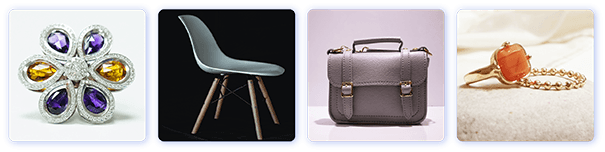
When working with objects that have complicated and detailed edges that need extra care, a medium-level clipping path approach is a good alternative. In these situations, several pathways are made and then combined to make a smooth end outcome. Things like a bouquet of flowers or a piece of jewelry with very detailed designs are examples of these kinds of goods.

A complex clipping path is the best way to cut out objects with very complicated edges, several cut-outs, or different levels of transparency. This method needs a lot of talent and experience because it entails working with things that have complicated shapes, a lot of holes, or even a lot of different parts. Making a complicated clipping path is a very time-consuming and difficult job that requires a lot of accuracy and attention to detail because of how complicated the procedure is. This method can only be done with the right amount of accuracy and expertise by highly trained specialists with extensive technical knowledge.
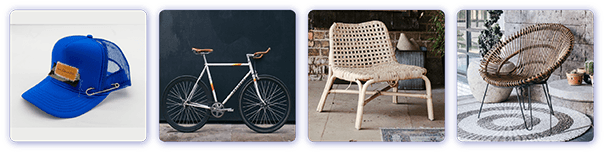
More complex clipping paths are a very specialized method that is only used on objects with very complicated or uneven edges, several cut-outs, and parts that are clear or semi-clear. This method needs a lot of talent and technical know-how, and it can take a long time to finish, depending on how complicated the object is.
Most of the time, things that need more complicated clipping pathways are those with very intricate or uneven edges, like trees, fur, or hair. A necklace with a pendant or a bicycle wheel are two more things that can need this technique because they have more than one cut-out.
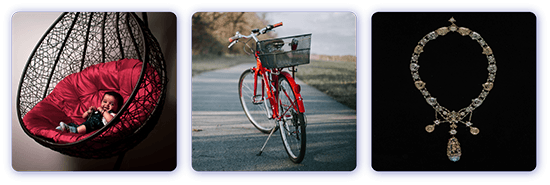
Sometimes, the boundaries of an item are so complicated that even more than one or two clipping pathways aren't enough. To make tough product photographs look natural, you need to utilize very complicated clipping paths that use three to four different methods. Professionals can also employ both clipping paths and picture masking at the same time. This difficult ability needs sophisticated expertise, unique tools, and software. It's very important in fields like advertising, e-commerce, and graphic design.
One of the most common ways to edit images and develop graphics is to utilize a clipping path. A clipping path is a vector path or shape that separates an object from its background in a digital image. You need to use tools like the Pen Tool in Adobe Photoshop or Illustrator to create exact lines around the subject that has to be cut out. After the route is done, you can erase, replace, or leave the background outside the path translucent. This gives designers and editors more freedom and control over how they change images. Clipping paths are necessary for getting clean, professional outcomes in business, creative tasks, or professional photography.
E-commerce product photography is one of the most common uses of clipping path. Online customers rely a lot on how things look, and clear, distraction-free photos are really important in making them decide to buy. When businesses take product shots, they can show their things on a plain white or clear background instead of a cluttered or inconsistent one. This consistency not only makes the products look better, but it also makes the whole product catalog look more professional and put together. Also, sites like Amazon, eBay, and Shopify have rules regarding how to take pictures of products, and they often want pure white backgrounds. Clipping paths help vendors meet these criteria and make sure their products stand out in a crowded market.
Clipping pathways are just as useful in advertising and marketing. Advertisers typically need to make graphics that are both eye-catching and interesting by combining photos with text, graphics, and bespoke backgrounds. Clipping path lets designers separate objects or models from their original backgrounds and put them in new places. This makes it possible to make dynamic compositions that are perfect for advertising. The ability to easily change an image using clipping paths can make a campaign more powerful, whether it's a fashion model in an unusual spot or a drink container with bright effects. Marketers can use the technique to design without being constrained by the background of the original shot.
Clipping paths are also very common in professional photography, especially when editing photos after they have been taken. Photographers generally take pictures in controlled settings, but they still need to edit them to make them better. When taking pictures of products, people, or fashion, the background may need to be changed to fit the client's needs or to meet publication standards. Editors can use a clipping path to take out the original backdrop and put in a better one, or they can leave it clear so it can be used in different ways. Also, utilizing clipping paths to separate certain parts makes it possible to create composites, which are pictures that mix pieces of different photos into one frame. This makes it easy to change the colors, shadows, or lighting of each part separately. You need this level of control to do high-end photo editing and creative effects.
Clipping paths are an important part of web design because they help make graphics that are tidy and work well. Logos, banners, symbols, and product showcases are common on websites. They all need to look good with any background or style. For example, a logo with a white box surrounding it can look cheap when put on a background that is colorful or textured. Clipping paths can fix these problems by taking out the background and leaving a clean, professional transparent version that fits well into the website design. Designers also employ clipping path to make call-to-action images and promotional pop-ups that are visually balanced and devoid of clutter so that people can focus on what they are doing.
Magazines, brochures, catalogs, and posters are all examples of print media that use clipping path techniques a lot. When designing layouts for print, designers typically have to fit a lot of things—text, photographs, shapes—into a little space while keeping everything looking well together. Images seem better in a design when you use clipping paths to get rid of the backgrounds. For instance, you could clip a fashion model and put her on a bespoke background that fits with the brand's ethos. Product catalogs may also show items in separate forms to make things clearer and more focused. Clipping paths also assist get rid of things that don't belong in the final design, including shadows, props, or other things that might have been in the original photo but aren't needed.
Clipping path is also a powerful tool in fields including publishing, real estate, car marketing, and making digital media. In publishing, authors and editors may need to show pictures in a certain way where clarity and uniformity are quite important. Clipped pictures of homes, furnishings, or interior designs are used in real estate marketing to make virtual staging and clean advertising content. In the car business, high-resolution pictures of cars are typically cut out and put on different backgrounds to show off their qualities and get people to buy them.
As technology has improved, so has clipping path. Creating paths used to be a completely manual procedure, but now many image editing programs provide semi-automated or AI-assisted features that make it faster. Still, competent professionals generally prefer the manual pen tool method for precise work, especially when it comes to complicated things like hair, fur, or see-through textiles, to make sure everything is correct. To keep the object intact after removing the background, every curve and edge must be precisely sketched for complex designs and detailed work like jewelry or electronics.
Clipping path is different from other related methods, such as masking. Both clipping paths and masks are used to separate subjects, however clipping paths are vector-based and work best on objects with hard, well-defined edges. Layer masking, on the other hand, is better for soft edges like hair or smoke and operates on a pixel-by-pixel basis. Depending on how complicated the image is, professionals often utilize both methods together.
In conclusion, clipping path is a basic tool for modifying images that gives you a lot of freedom, control, and flexibility. It lets professionals in many fields take out or change backgrounds, focus on themes, and make beautiful compositions. Clipping path has several uses that can make a big difference, such as improving marketing campaigns with bespoke graphics and making product images look cleaner to improve e-commerce sales. Mastering the clipping path is still a useful ability for photographers, designers, marketers, and other creative professionals as digital material continues to take over visual communication. It will always be an important part of the design and editing toolset since it helps make polished, professional, and purpose-driven visuals.
Clipping path services are essential for many industries and individuals who need to create or edit images. Clipping path is a technique in image editing software that involves drawing a path or outline around an object, cutting it out of the background, and creating a transparent or white background. This technique is used to remove the background of an image, isolate objects, and change the background or add a new background.

Online stores need high-quality images of their products to showcase them effectively. Clipping path services are used to remove the background of product images and create a uniform background. This technique helps to make the products stand out and appear more appealing to potential customers.
Advertising agencies and graphic designers use clipping path services to create advertisements for their clients. Clipping path services can be used to isolate objects and place them on a new background. This technique is used in print and digital media.
Professional photographers often need to remove the background of images or isolate objects. This can be useful for creating composites, adjusting lighting, and more. Clipping path services can help photographers save time and improve the quality of their images.
The fashion industry uses clipping path services for product photography, catalogs, and online stores. Clipping path services are used to remove the background of images and create a uniform background. This technique can also be used to create mannequins or silhouettes.
Real estate agents and property developers use clipping path services to showcase their properties. Clipping path services can be used to remove unwanted elements from the images, create uniform backgrounds, and add special effects.
Web designers use clipping path services to create images for websites. Clipping path services can be used to remove the background of images, create transparent backgrounds, and add special effects.
Clipping path services are used in print media such as magazines, newspapers, and brochures. This technique is used to isolate objects and place them on a new background. Clipping path services can also be used to remove unwanted elements from the images.
Clipping path services are used in film and video production to remove the background of green screen footage. This technique is used in special effects and post-production.
In conclusion, clipping path services are essential for many industries and individuals who need to create or edit images. This technique can be used to remove the background of images, isolate objects, and create special effects. Clipping path services can help businesses and individuals save time and improve the quality of their images.
Clipping path techniques are essential in Photoshop for getting exact picture isolation, whether you're doing commercial product photography, digital art, web content, or graphic design. These methods assist designers take out certain things from their backgrounds in a clean and professional way. Different clipping path approaches may be used depending on how complicated the item is, how sharp its edges are, and what is around it. We look at some important clipping path approaches employed by specialists in the field below, pointing out when and how each one is best applied.
The basic clipping route is the most common way to do things, especially when working with simple, well-defined forms. This method uses Photoshop's Pen Tool to draw around the object that needs to be separated by hand. This tool gives you precise control over each anchor point, which makes it perfect for items with hard or smooth edges, including bottles, boxes, gadgets, or fashion accessories.
After the path is done, it is turned into a selection and then utilized to make a mask or cutout. This removes the object from its background without changing its shape or integrity. The basic clipping path is still a favorite for eCommerce product photographs, catalog images, and any project that needs pixel-perfect isolation since it is so accurate and has such crisp edges. But it can take a long time, especially for shapes that are hard to understand or images with complicated outlines.
The compound clipping path approach builds on the basic one by letting you make more than one route in the same image. You draw a route around each object you want to isolate, and then you merge all of these paths into one composite path. This method is quite helpful when working with group photos, such as jewelry sets, product bundles, or fashion ensembles, where you need to get numerous subjects out at once.
You may save and change these compound routes in Photoshop, which gives you more options and lets you use them again. When working with things that include holes or negative spaces, like earrings with open patterns or clothes with lace cuts, compound clipping routes are also very important. Designers can manage both the outer boundary and the inside "knockout" sections with compound routes. This makes the extraction look more natural and complete.
When an item has soft edges, semi-transparent sections, or blends in with the background tones, typical path-based methods don't always work. Alpha Channel Clipping Paths are what you need here. This method uses Photoshop's Channels Panel to make an alpha channel that shows the image's transparency and brightness levels.
A grayscale mask is what an alpha channel is. White parts show the object, black areas hide it, and gray areas let light through in different amounts. This makes the method work especially well for separating things like hair, feathers, smoke, glass, or materials that let light through. Designers can get very precise results that are impossible with ordinary clipping paths by carefully changing the contrast levels and painting on the channel.
The alpha channel approach is quite useful, but you need to know how to use Photoshop's channel operations, layer masks, and contrast adjustments well. It also needs to be fine-tuned to get rid of halos or edge effects that you don't want, especially when you put the object on a new background.
The Magic Wand Tool has a quick and easy way to clip paths based on color or tone. The Magic Wand picks up nearby pixels that are in a similar color spectrum when you click on a certain pixel. This is helpful for pictures with backgrounds or subjects that are all the same hue.
The Magic Wand tool can quickly separate a red apple from a white background, for example. You can mask or erase the region after you've chosen it, which will leave the object cleanly divided. You can change the selection tolerance to include more or fewer pixels around the selection. The "Contiguous" option can also help you decide if the selection should expand across areas of similar color that are not connected.
This method is quick, but it isn't as accurate as the Pen Tool or Alpha Channel. Objects with detailed edges, gentle transitions, or backdrops that are the same color as the subject are not good candidates for this. The Magic Wand tooleq is still a good choice for batch processing or simple changes when you don't have a lot of time.
The Lasso Tool lets you make clipping paths in a more freehand way. It lets people draw a selection around an item by hand, without using anchor points like the Pen Tool. There are a few different types of lasso tools in Photoshop, such as the Standard Lasso Tool, the Polygonal Lasso Tool, and the Magnetic Lasso Tool.
Lasso tools are useful for making rapid, temporary choices or when working with shapes that aren't very exact, like organic shapes. But they don't let you edit pathways, and they're more likely to make mistakes or be inconsistent. After you make a choice, you can turn it into a mask or a route for editing that will last longer.
Choosing the right clipping path approach depends on a number of important things:
Clipping path techniques are an important feature of altering photos in Photoshop. They let designers separate, reuse, and improve certain parts of any shot. Each tool has its own strengths and best uses. For example, the Pen Tool lets you control things exactly, compound pathways let you work with more than one object at a time, alpha channels are very subtle, and the Magic Wand and Lasso tools are quite fast. These techniques not only make your work flow more smoothly, but they also make the end product look better, so you can be sure to get professional results in any design or photo editing project.