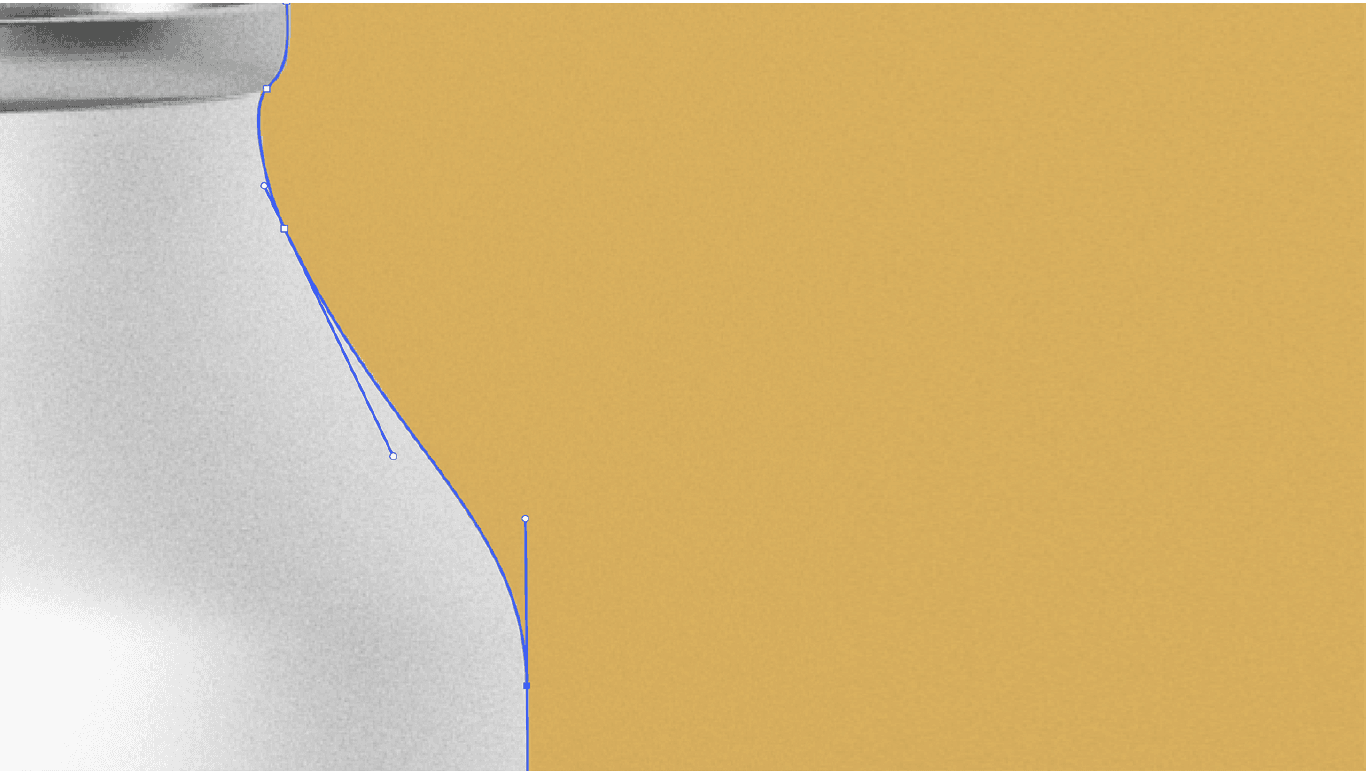
Clipping path is a fundamental technique in image editing and graphic design that is used to remove the background from an image or isolate a specific object within an image. This technique involves creating a closed vector path or shape around the object of interest, essentially “clipping” it out from its original background. The application of clipping path is incredibly versatile and has a significant impact on resolving imperfect image formats. In this essay, we will explore how clipping path is used to address various imperfections in images, enhancing their overall quality and visual appeal.
1. Background Removal:

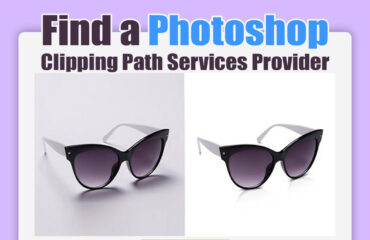
One of the most common applications of clipping path service is the removal of backgrounds from images. In many cases, images have backgrounds that are distracting, cluttered, or simply not suitable for the intended purpose. Clipping path allows for the precise extraction of the main subject, leaving it with a transparent background. This is particularly useful for e-commerce product photos, where products need to be showcased against a clean and consistent backdrop. Removing the background in this way helps to emphasize the product and create a professional and cohesive look.
2. Image Retouching and Enhancement:

Clipping path is an essential tool for image retouching and enhancement. It allows designers to isolate specific elements within an image for targeted adjustments. For example, if you have a portrait photo with a distracting background, a clipping path can be used to separate the subject (e.g., a person) from the background. This enables retouching professionals to apply various enhancements such as skin retouching, color correction, or background replacement while keeping the subject intact. This level of precision ensures that image imperfections are addressed without affecting the main subject.
3. Product Photography:
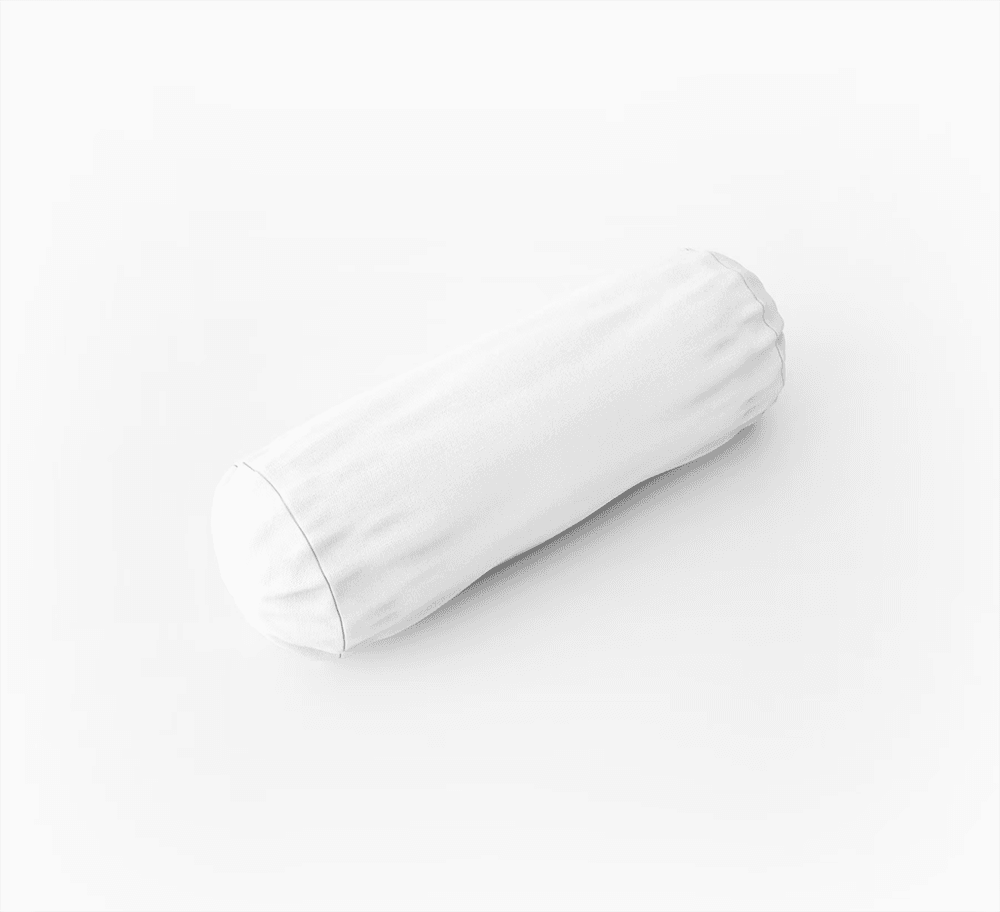
In product photography, especially for items with intricate details or irregular shapes, a clipping path is indispensable. It allows photographers and designers to remove the background, leaving only the product. This not only helps in achieving a clean and consistent look but also allows for versatile use of the product image. For instance, it enables the product to be placed on different backgrounds or incorporated into marketing materials seamlessly. Clipping path is a key component in creating visually appealing product catalogs and e-commerce websites.
4. Image Manipulation and Compositing:

Clipping path is instrumental in image manipulation and compositing. Designers can use this technique to extract various objects or subjects from different images and combine them into a single composition. This is commonly seen in advertising and creative projects where elements from multiple images need to be seamlessly integrated. Clipping path ensures that the extracted objects blend seamlessly with the new background or composition, eliminating any rough edges or imperfections.
5. Customized Cropping and Framing:
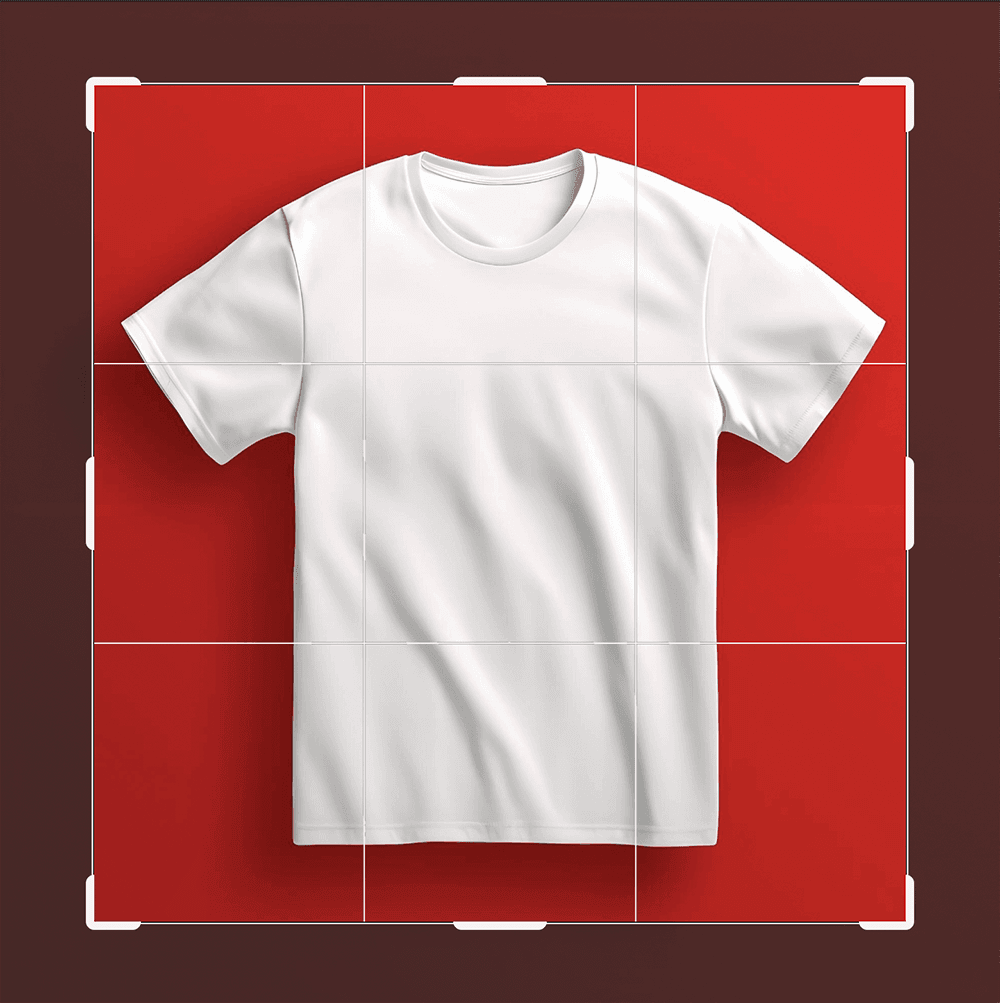
Clipping path provides the ability to customize the cropping and framing of images to fit specific dimensions or aspect ratios. For instance, when preparing images for print materials like brochures or posters, designers often need to adjust the framing of the main subject to ensure it fits within the design layout. Clipping path allows for precise cropping, resizing, and framing, ensuring that the image appears as intended and fits the design requirements perfectly.
6. Image Masking:

Clipping path is also a foundational technique for image masking. Image masking service is used when dealing with complex subjects like hair, fur, or semi-transparent objects, which may be challenging to isolate using a simple clipping path. Advanced masking techniques involve creating intricate selections, often in combination with clipping paths, to maintain the fine details and transparency of such subjects. This ensures that the subject retains its natural appearance while achieving the desired background separation.
7. Creating Image Cutouts:
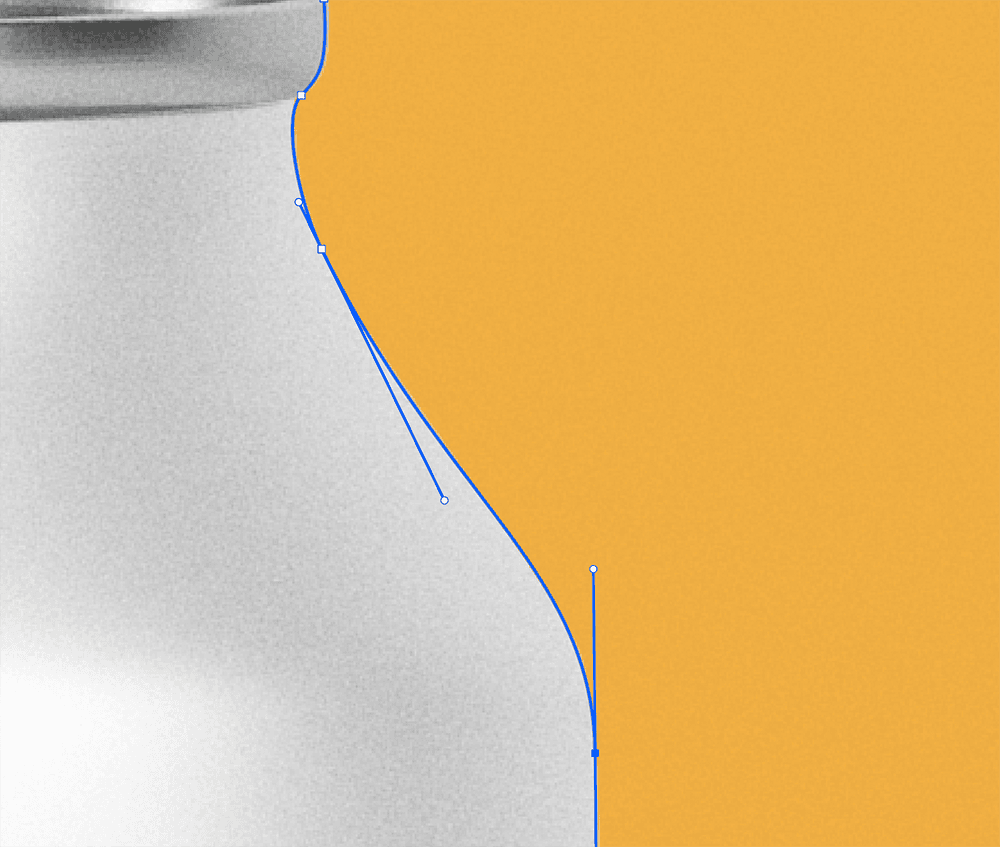
Clipping path is frequently used to create image cutouts, which are essential for various design projects. Whether it’s for placing a product in a catalog, designing marketing materials, or developing visual content for websites, creating precise cutouts allows for greater flexibility and creativity in image placement. Clipping path ensures that the cutout object appears sharp and well-defined against any background.
8. Color Correction and Adjustment:
When applying color correction or adjustments to specific elements within an image, clipping path helps maintain accuracy and precision. Designers can target specific areas or objects within the image, ensuring that the adjustments are applied only to the intended portions. This level of control is crucial for achieving consistent color tones and enhancing the overall visual quality of the image.
9. Creating Isolated Icons and Graphics:
Clipping path is not limited to photographs alone. It is also used extensively in creating isolated icons and graphics for various design applications. Designers can use this technique to extract elements from existing images or illustrations and turn them into standalone assets that can be easily incorporated into design projects, including logos, icons, and illustrations.
10. Consistency and Professionalism:
Ultimately, the application of clipping path contributes to the overall consistency and professionalism of images used in various contexts. Whether it’s for branding, advertising, or content creation, precise background removal and object isolation achieved through clipping path ensure that images appear polished and well-prepared, leaving a positive impression on viewers.
In conclusion, the application of clipping path is a versatile and invaluable tool in image editing and graphic design. It addresses a wide range of imperfections in images, from background removal and retouching to product photography and creative compositing. By providing designers with the precision and control needed to manipulate and enhance images, clipping path plays a crucial role in achieving high-quality, visually appealing results across various design projects. Its impact on image quality, consistency, and professionalism cannot be overstated in the world of visual communication.