What is clipping path?
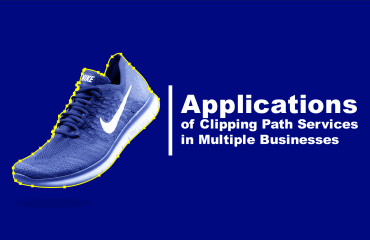
A clipping path in Photoshop is a vector-based outline or closed shape, typically drawn with the Pen Tool, that is used to isolate part of an image. Most commonly, it is used to remove the background from an image or to create a mask that confines effects, visibility, or editing to a specific area. The clipping path tells Photoshop (or other design software) which part of the image should be visible and which parts should be hidden when exported or placed in a layout.
When a clipping path is applied to an image, everything inside the path is retained while anything outside the path is made invisible. This is particularly useful in product photography, graphic design, catalog production, and web design where clean, background-free images are required. For example, if you’re working with a product image and need to place it against different background colors or into marketing materials, a clipping path allows you to extract the object cleanly and precisely.
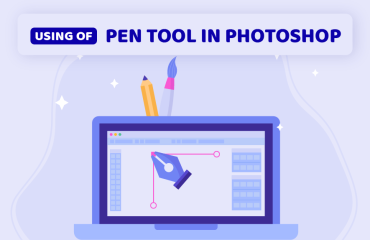
The path itself is drawn using the Pen Tool in Photoshop, which allows for extremely accurate control. Unlike automatic selection tools such as the Magic Wand or Quick Selection Tool, the Pen Tool enables the user to define exact curves and corners around complex subjects like jewelry, clothing, or machinery. This is why clipping paths are preferred in professional workflows where precision is crucial.
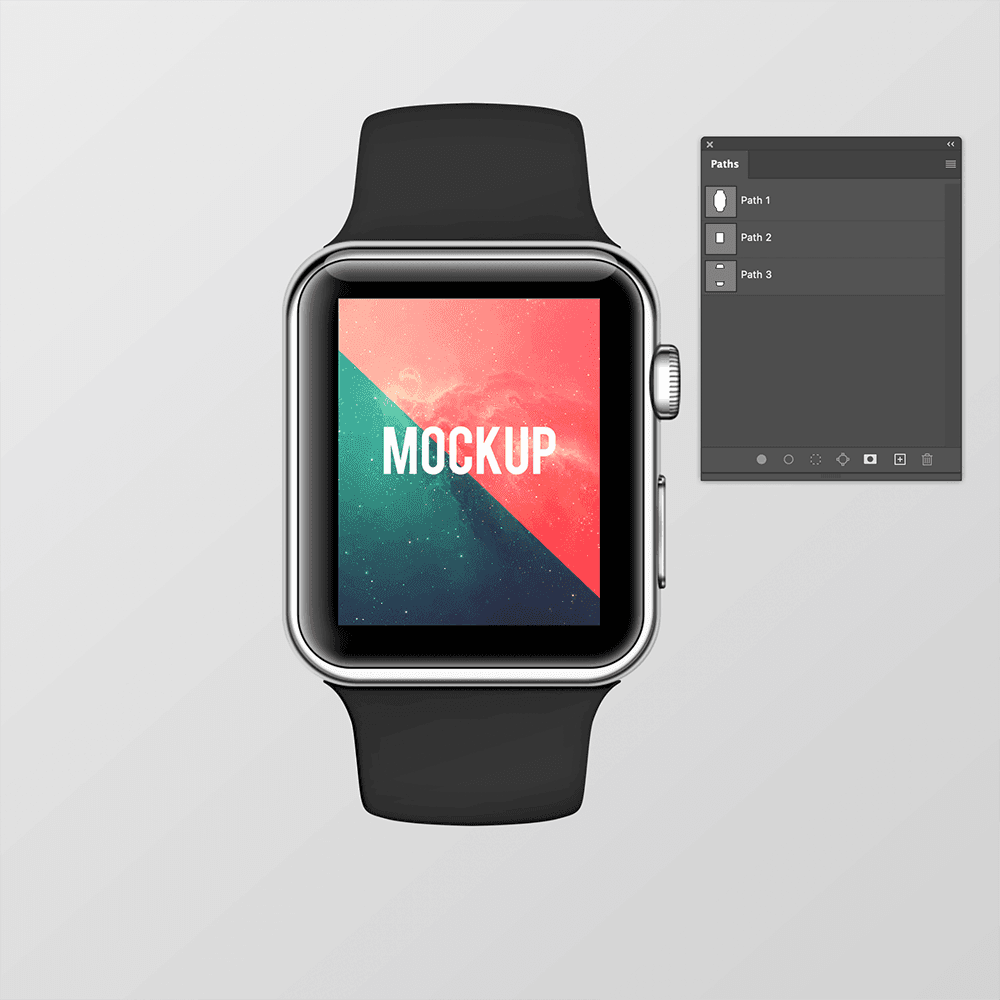
After drawing the path, it can be saved in the Paths panel and later converted into a clipping path by selecting “Make Clipping Path” from the panel menu. This doesn’t actually delete the background; it just hides it, making the subject appear as if it’s isolated. The clipped image can then be exported to file formats that support transparency or clipping paths, such as TIFF, EPS, or PDF, particularly for use in layout software like Adobe InDesign or QuarkXPress.
It’s important to distinguish between a clipping path and layer masks. While both can be used to hide parts of an image, a clipping path is vector-based and resolution-independent, making it ideal for print work. Layer masks, on the other hand, are pixel-based and offer softer transitions and feathering — better suited for complex images like hair or smoke.
In professional post-production, especially in e-commerce, print advertising, and catalog design, clipping paths are a vital part of the workflow. Many businesses even outsource clipping path services to specialists for bulk image editing. The technique is valued for producing clean, consistent results across hundreds or thousands of images.
In summary, a clipping path in Photoshop is a powerful tool that enables precise image isolation using vector outlines. It’s ideal for creating clean cut-outs, especially for hard-edged subjects, and remains a staple in commercial image editing due to its accuracy and efficiency.
How the clipping path service adds value to the product images:
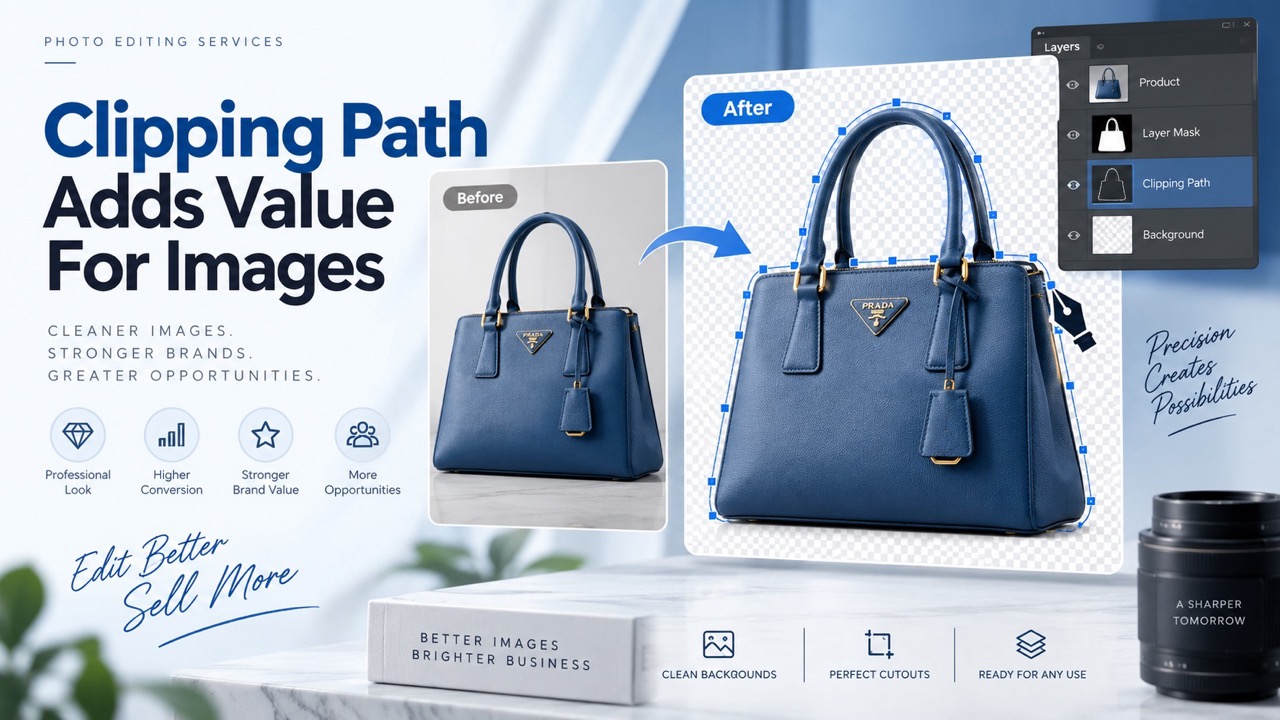
In today’s highly visual e-commerce landscape, first impressions matter more than ever. Consumers often make purchase decisions within seconds, and product images play a decisive role in that process. This is where clipping path services become a powerful tool in a brand’s visual presentation. A clipping path is a precise, vector-based outline used to separate an object from its background using tools like the Pen Tool in Adobe Photoshop. When applied correctly, it transforms ordinary product photos into polished, professional-grade assets that enhance credibility and increase conversions.
One of the most significant values clipping path services bring is background removal. By isolating a product from its original setting, editors can place it against any background—whether pure white for e-commerce compliance (like Amazon or eBay requirements), a lifestyle setting for branding, or a solid color that complements the product’s theme. This flexibility allows businesses to use a single product image across multiple platforms, campaigns, or marketing materials without reshooting. It also helps maintain a consistent visual style, crucial for building a cohesive and recognizable brand identity.
Clipping paths also enhance focus and eliminate distractions. When the background is cluttered or unprofessional, it draws attention away from the product. A clean, well-executed clipping path centers the viewer’s focus entirely on the item being sold. This is especially important in categories like jewelry, electronics, fashion, and cosmetics, where intricate details and textures must be clearly visible. Customers are more likely to trust a product—and the brand behind it—when the visuals are clear, high-quality, and distraction-free.
Another major advantage is improved image compositing and customization. Businesses frequently use clipped images for catalogs, promotional graphics, advertisements, and social media content. With the background removed, designers can effortlessly place the product into new environments, add shadows, reflections, or special effects, and adapt the image to fit a variety of formats and aspect ratios. This accelerates the creative process, reduces the need for reshoots, and enables A/B testing of different backgrounds or layouts to optimize performance.
Moreover, clipping path services support faster loading times on websites by enabling the use of optimized images. Cleanly clipped and compressed images tend to have smaller file sizes, especially when placed against a plain or transparent background. In the world of e-commerce, where page load speed directly influences bounce rates and SEO, faster-loading product pages can lead to higher engagement and better rankings on search engines.
For luxury or high-end products, clipping paths contribute to a premium visual experience. Customers shopping for expensive watches, handbags, or technology expect to see flawless imagery that communicates value. Sloppy or uneven background cuts can undermine trust and give the impression of amateurism. In contrast, professionally clipped images convey precision and quality, aligning the visuals with the perceived value of the product.
Additionally, clipping paths aid in bulk editing and consistency, which is particularly valuable for brands with large inventories. When hundreds or thousands of product images need to be processed for an online store, applying consistent clipping paths ensures uniformity across the entire catalog. This uniform presentation enhances the user experience, builds buyer trust, and reduces confusion or cognitive load during the decision-making process.
In conclusion, clipping path services are far more than just a graphic design tool—they are a strategic asset in modern product presentation. By enabling cleaner, more flexible, and professional imagery, they directly contribute to higher engagement, stronger brand identity, and increased sales. For any business operating in a competitive digital marketplace, investing in high-quality clipping path services can offer a significant return on investment.