Finding Photoshop services near me/you are essential when you need professional image editing, graphic design, or photo manipulation work done. Whether it’s for personal projects or business needs, locating local Photoshop services can provide convenience and potentially foster better communication and collaboration with the service provider. In this more detailed explanation, we’ll delve into the various methods and considerations for finding Photoshop services nearby.
1. Online Search Engines:
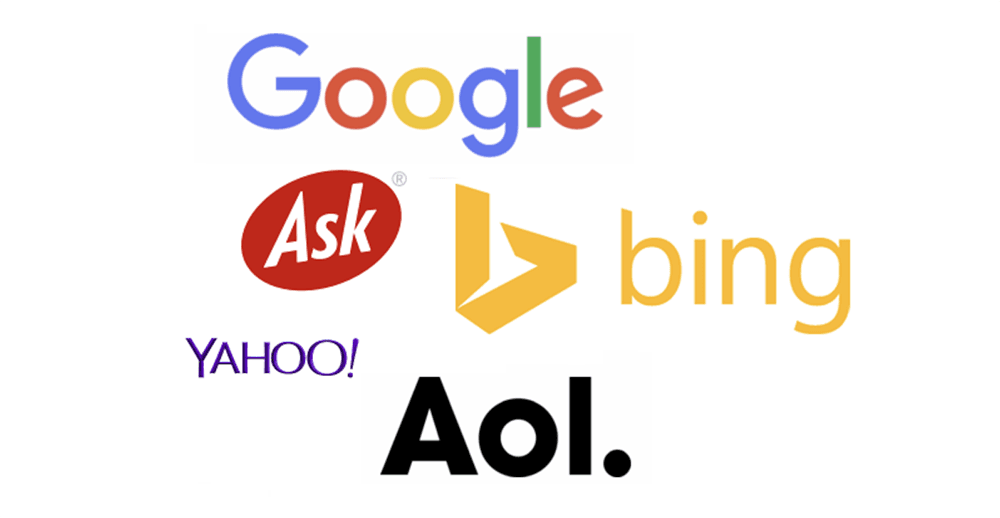
One of the most common and effective ways to find Photoshop services near you is by using online search engines, such as Google. Here’s how it works:
- Step 1: Open your web browser and go to a search engine like Google.
- Step 2: In the search bar, type relevant keywords like “Photoshop services near me,” “graphic design services near me,” or “local photo editing.“
- Step 3: Hit Enter or click the search button.
- Step 4: Google will display a list of search results that match your query, along with a map showing relevant businesses in your area.
- Step 5: Click on the results to explore the websites and contact information of Photoshop service providers near you.
This method is convenient and provides quick access to a list of local service providers. However, it’s essential to review their websites and portfolios to ensure they meet your specific needs and quality standards.In an increasingly digitized world, the visual appeal of content, be it for a website, product, or event, is paramount. This means the need for quality Photoshop services is always on the rise. If you’re wondering how to find Photoshop services near you, a good place to start is Clipping Path Source. Their comprehensive suite of services, including photo editing and retouching, can transform your online presence.
2. Google Maps:
Google Maps is an excellent tool for finding local businesses and services, including Photoshop services. Here’s how to use it:
- Step 1: Open Google Maps on your computer or mobile device.
- Step 2: In the search bar, enter relevant keywords like “Photoshop services” or “graphic design” along with your location or city.
- Step 3: Press Enter or tap the search icon.
- Step 4: Google Maps will display a map with pins representing businesses that offer these services in your vicinity.
- Step 5: Click on the pins to view more details about each business, including their contact information and reviews.
Google Maps is particularly useful because it provides a visual representation of businesses in your area, making it easier to identify their proximity to your location.
3. Online Directories:

Online business directories like Yelp, Yellow Pages, and Thumbtack can help you find Photoshop services near you. Here’s how to use them:
- Step 1: Visit the website of a popular online directory, such as Yelp (yelp.com).
- Step 2: Use the search function on the platform to look for Photoshop or graphic design services in your location.
- Step 3: Browse the results to find businesses that offer the services you need.
- Step 4: Click on the listings to access more information, such as contact details, reviews, and ratings.
Online directories often include user-generated reviews and ratings, which can help you gauge the quality of services provided by different businesses.
4. Social Media and Freelance Platforms:
Social media platforms and freelance platforms are valuable resources for finding local Photoshop professionals. Here’s how to leverage them:
- Step 1: Check social media platforms like Facebook, Instagram, and LinkedIn.
- Step 2: Use the search or explore functions to look for local graphic designers or Photoshop professionals.
- Step 3: Follow or connect with professionals who offer these services in your area.
- Step 4: Send them a direct message or inquire about their services through the platform.
- Step 5: Additionally, you can use freelance platforms like Upwork, Fiverr, or Freelancer to search for graphic designers who offer Photoshop services. These platforms allow you to filter results by location.
Social media and freelance platforms offer a wide range of options, but it’s essential to carefully review the profiles, portfolios, and client feedback of potential service providers.
5. Ask for Recommendations:

Word-of-mouth recommendations can be invaluable when searching for Photoshop services near you. Here’s how to go about it:
- Step 1: Reach out to friends, colleagues, or local business owners who may have used Photoshop or graphic design services in your area.
- Step 2: Ask them for recommendations based on their experiences.
- Step 3: Inquire about the quality of work, communication, and pricing of the recommended service providers.
- Step 4: Compile a list of recommended professionals and contact them to discuss your project.
- Step 5: Since these recommendations come from trusted sources, you can have more confidence in the service provider’s abilities and reliability.
6. Visit Local Print Shops or Design Studios:
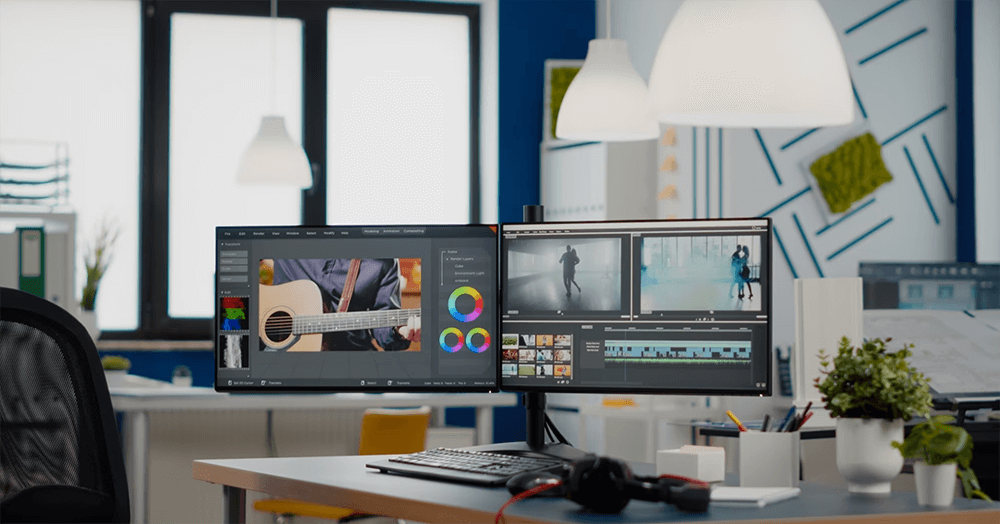
Local print shops or design studios often offer Photoshop and graphic design services. Here’s how you can explore this option:
- Step 1: Identify print shops or design studios in your area. You can use online directories, and search engines, or ask for recommendations.
- Step 2: Visit their physical locations or check their websites for information about the services they offer.
- Step 3: Contact them directly to inquire about their Photoshop services, discuss your project, and request quotes.
Local print shops and design studios may have experienced professionals who can provide in-person consultations and high-quality services.
7. Check Community Bulletin Boards:
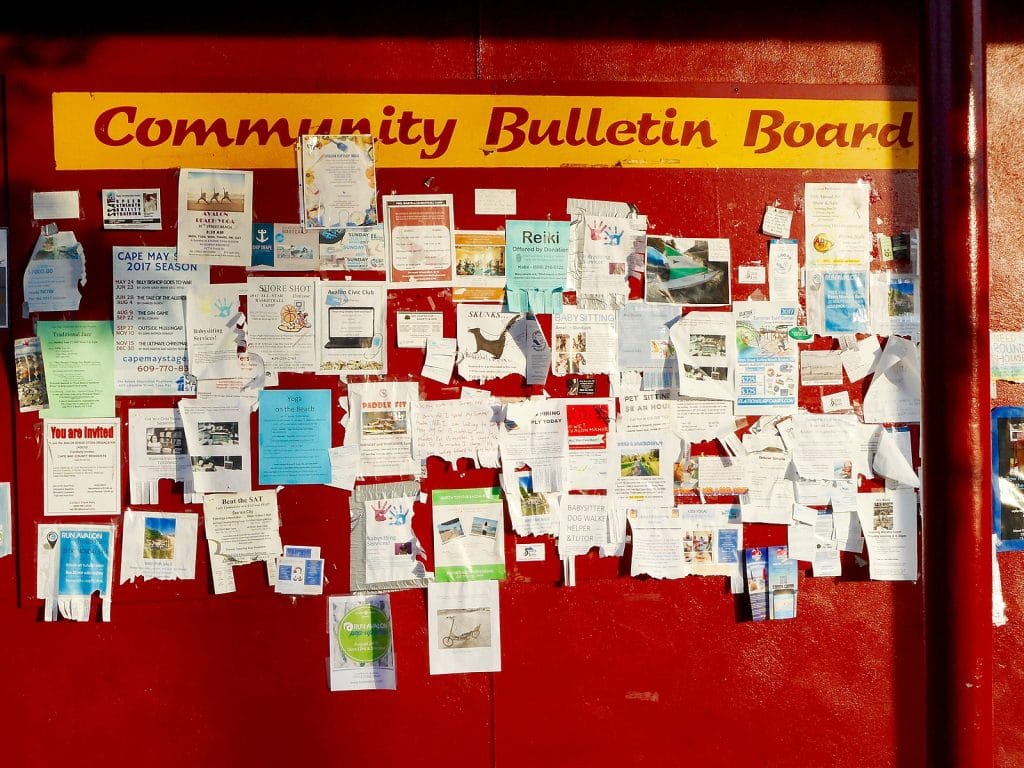
Some local businesses or community centers have bulletin boards where professionals advertise their services. Here’s how to use this method:
- Step 1: Visit community centers, coffee shops, libraries, or local businesses in your area.
- Step 2: Look for bulletin boards where service providers may have posted flyers or business cards.
- Step 3: Take note of any Photoshop or graphic design listings with contact information.
- Step 4: Contact the listed professionals to discuss your needs and request more information.
Community bulletin boards can be a valuable resource for discovering local Photoshop services, especially if you prefer to support small businesses or individuals.
8. Online Reviews and Ratings:
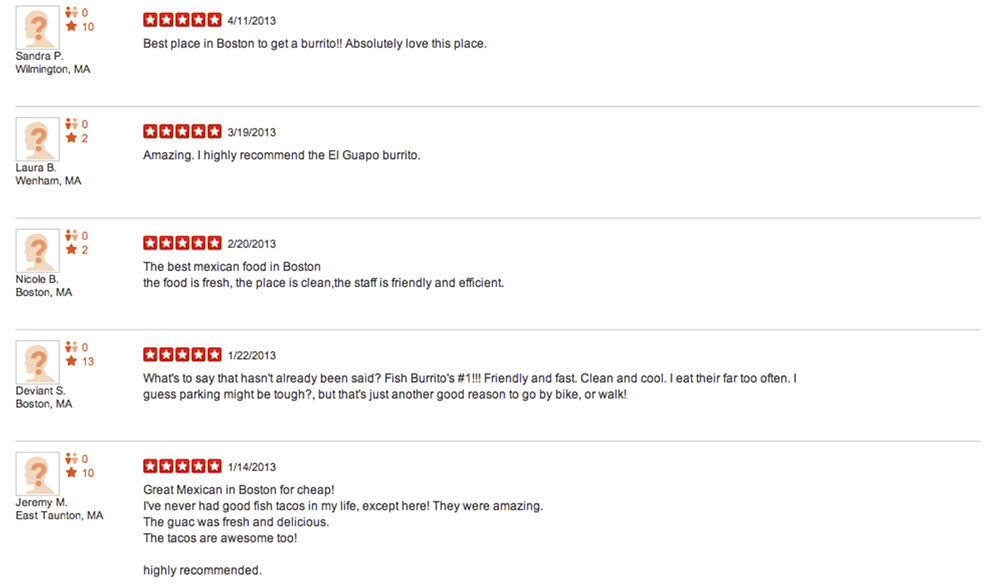
When you find potential Photoshop service providers, it’s essential to research their reputation and track record. Here’s how to do it:
- Step 1: Read online reviews and ratings on platforms like Google, Yelp, or specialized design forums.
- Step 2: Look for feedback from previous clients who have used their services.
- Step 3: Pay attention to comments regarding the quality of work, responsiveness, professionalism, and pricing.
- Step 4: Consider the overall sentiment and consistency of reviews to assess the service provider’s reliability and competence.
Online reviews and ratings can provide valuable insights into the experiences of others who have worked with the Photoshop service provider you’re considering.
9. Contact and Discuss:
Once you’ve identified a few potential Photoshop service providers near you, it’s crucial to initiate contact and discuss your project’s specifics. Here are the steps to follow:
- Step 1: Reach out to the service providers through their websites, social media profiles, or contact information obtained from directories.
- Step 2: Clearly communicate your project requirements, including the scope, timeline, and any specific details or preferences.
- Step 3: Request quotes or estimates for the work.
- Step 4: Inquire about their availability and turnaround time.
- Step 5: Ask any questions you may have regarding the process, revisions, and payment terms.