
Whether you’re just starting out in photography or you’ve already built a solid portfolio, one question often comes up: How can I turn my photos into income?
If you have a collection of beautiful, high-quality images just sitting on your hard drive, why not let them work for you? Selling your photos online is a great way to earn passive income, gain exposure, and even grow your career as a photographer.
The good news? You don’t need to be a full-time pro to get started. In fact, with the right platforms, anyone can begin selling their photos online—from landscape shots and portraits to travel, lifestyle, or even niche content like food and flat lays.
If the idea sounds exciting but you’re unsure where to begin, you’re in the right place.
In this guide, we’ll walk you through 15 of the best websites to sell your photos online. You’ll learn what makes each platform unique, how the submission process works, how much you can earn, and what kind of market reach they offer.
To help you make the right choice, we’ve also included a side-by-side comparison table, key tips for beginners, and answers to the most frequently asked questions about selling stock photos online.
Whether you’re looking to earn a little extra on the side or build a full-fledged photography business, this guide has everything you need to get started. Let’s dive in and turn your passion into profit!
1. Adobe Stock
Adobe Stock
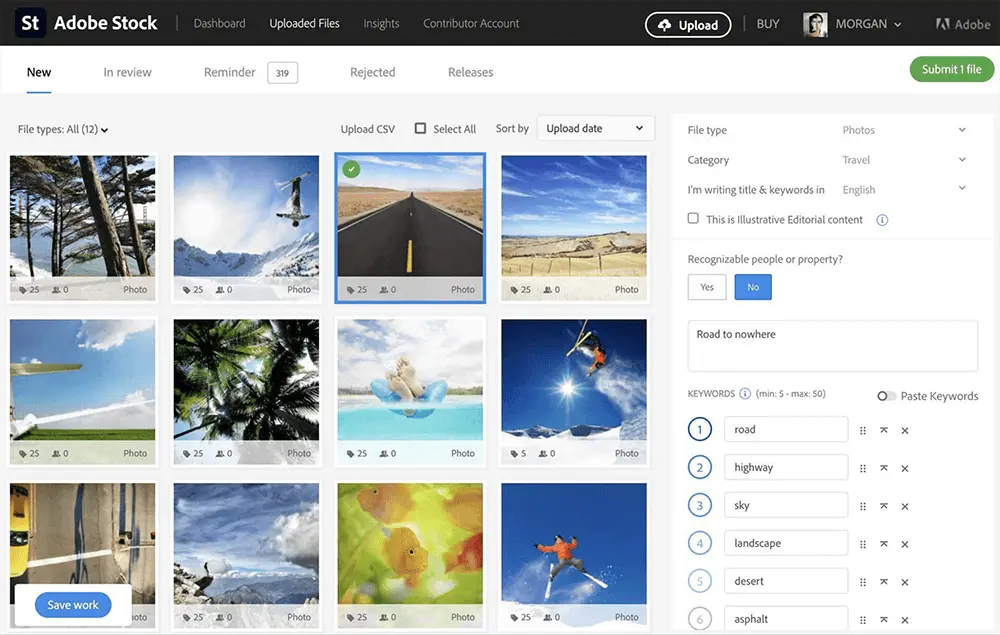
Adobe Stock is one of the most recognized and widely used platforms for selling stock photos—and for good reason. As part of the Adobe Creative Cloud ecosystem, it offers seamless integration with tools like Photoshop and Lightroom, making it especially popular among creatives and professionals. While the marketplace is competitive due to its vast contributor base, the exposure potential is equally massive. If you’re looking to get your work in front of a global audience, Adobe Stock is a great place to start.
How to Submit Photos on Adobe Stock
Getting started as a contributor is fairly straightforward—as long as you’re at least 18 years old. Begin by signing up through the Adobe Stock Contributor portal. Once you’re in, you’ll need to upload high-resolution images along with a clear title, relevant keywords, and a short description. After that, you must agree to Adobe’s terms and submission guidelines.
Keep in mind that Adobe has a strict review process, especially for first-time contributors. Your images need to meet high technical standards—sharp focus, correct exposure, and no noise or compression artifacts. But once you get the hang of it, the approval process becomes more predictable.
How Much Can You Earn?
Adobe Stock operates on a commission-based model, offering contributors a 33% royalty for each image licensed. Your earnings depend on the license type and what the buyer pays—so popular and high-quality images have the potential to generate consistent income over time. Once your balance reaches $25, you can request a payout via PayPal, Payoneer, or Skrill.
Pro Tip: Because Adobe Stock is linked directly with Creative Cloud apps, it’s easy to streamline your upload and tagging process if you’re already using Adobe software in your editing workflow.
2. Shutterstock
Shutterstock
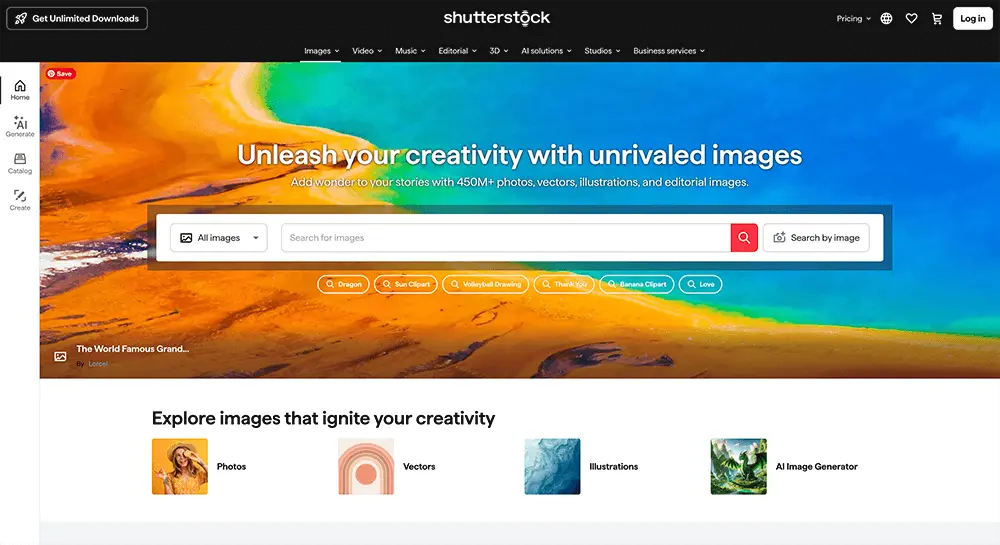
Shutterstock is one of the largest and most well-established stock photography platforms in the world. With millions of active users and clients ranging from ad agencies and publishers to e-commerce brands and content creators, it offers a fantastic opportunity for photographers to earn money and gain global exposure. If your images meet high professional standards, Shutterstock can be a great platform to showcase and monetize your work.
How to Submit Photos to Shutterstock
To become a contributor, you’ll need to create an account on the Shutterstock Contributor portal. Images must be submitted in JPEG format with a minimum resolution of 4,000 x 3,000 pixels. Your photos should be sharp, well-composed, correctly exposed, and professionally edited.
Although Shutterstock’s review team has a reputation for being strict—especially with new contributors—they also provide valuable feedback when a submission is rejected. This can be a great learning opportunity to help you fine-tune your submissions and improve over time.
How Much Can You Earn?
Earnings on Shutterstock are based on a tiered royalty system, which ranges from 15% to 40% per download. Your percentage increases as you reach higher lifetime download milestones. For example, the more your images are downloaded over time, the better your earning rate becomes.
Payments are available through PayPal, Payoneer, or direct bank transfer, with a minimum payout threshold of $35. Payouts are typically processed within 30 days of reaching that amount.
Pro Tip: Shutterstock rewards consistency, so uploading regularly and responding to current market trends (like seasonal themes or trending topics) can help boost your visibility and downloads.
3. Alamy
Alamy
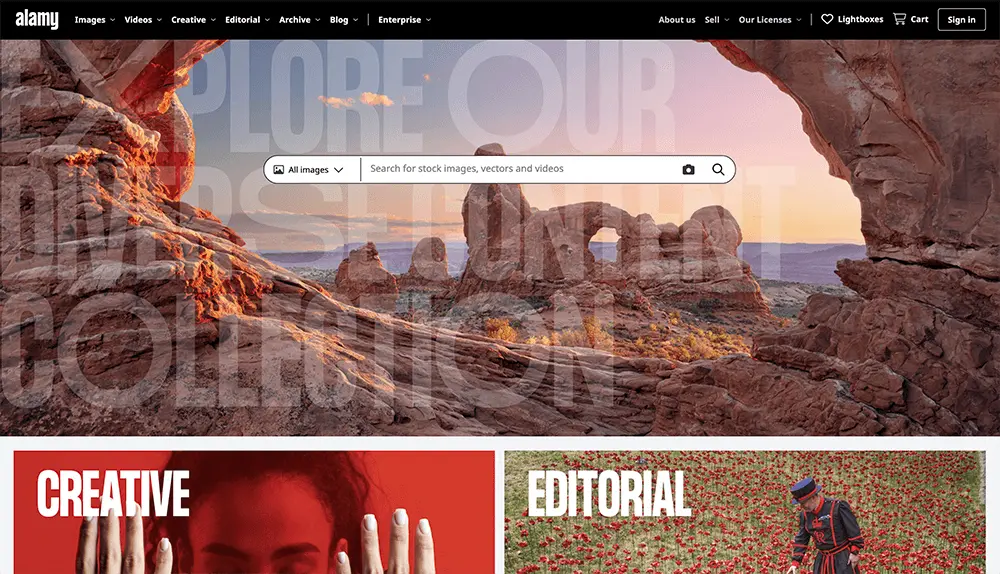
Alamy is a favorite among professional and semi-professional photographers looking for a platform that values high-quality imagery and fair contributor payouts. Known for its extensive library of editorial, commercial, and niche images across various industries, Alamy stands out for its diverse content and broad buyer base. From news agencies to textbook publishers and creative studios, Alamy attracts clients who are often searching for unique and less “stock-looking” visuals.
How to Submit Photos to Alamy
Submitting your photos to Alamy is a fairly straightforward process. You’ll need to create a contributor account via the Alamy Contributor Portal. Images must be high-resolution JPEGs with at least 4,500 pixels on the longer side, and must meet professional standards in terms of sharpness, exposure, and overall image quality.
Once uploaded, your images go through a quality control review, which typically takes a few business days. While the approval process is thorough, it’s generally more forgiving than some other major platforms, making it a great option for both seasoned contributors and confident newcomers.
How Much Can You Earn?
Alamy is well-regarded for its generous commission structure. Contributors can earn between 20% and 50% of the license fee, depending on whether the image is submitted exclusively or non-exclusively. Exclusive images typically command the higher payout rate.
Payouts are made via PayPal, and the minimum threshold is $20, with earnings processed on a monthly basis.
Pro Tip: Because Alamy caters to both editorial and commercial buyers, it’s one of the few platforms where less conventional or documentary-style images can also perform well. If you shoot real-life scenes, travel, or current events, this could be a great place to showcase them.
4. Getty Images
Getty Images
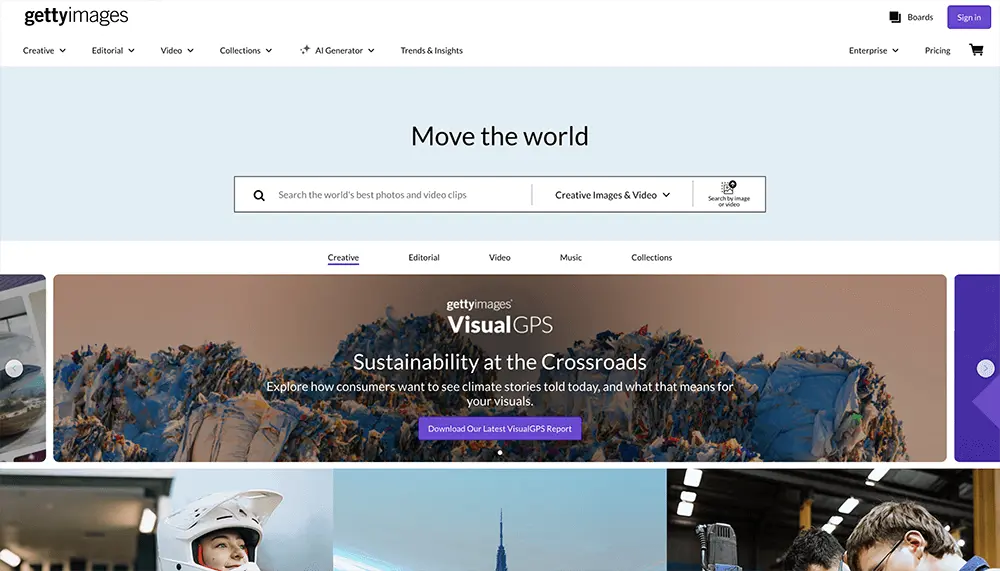
When it comes to prestige and global reach, Getty Images is a top-tier platform trusted by some of the world’s biggest media outlets, advertising agencies, and Fortune 500 companies. As one of the most recognized names in the stock photography industry, Getty is an excellent choice for professional photographers looking to license their images at premium rates.
Its reputation for quality and exclusivity makes it highly competitive—but that also means higher earnings potential and more visibility among high-end clients.
How to Submit Photos to Getty Images
The process of becoming a Getty contributor is selective and can take time. You’ll need to apply through Getty’s contributor program, where you’ll be asked to submit sample photos for review. These images must be high-resolution, free from digital noise, properly composed, and technically flawless.
While Getty’s standards are high—especially for first-time contributors—their editorial team does provide constructive feedback if your application is rejected. This makes it easier to refine your work and reapply with stronger content.
How Much Can You Earn?
Getty Images offers a royalty rate between 15% and 45%, depending on the licensing model (rights-managed vs. royalty-free) and the exclusivity of your content. Exclusive contributors tend to earn higher percentages.
One thing to keep in mind is the payout threshold, which is higher than many other platforms—set at $100. Payments are issued via PayPal and other standard transfer methods once this threshold is reached.
Pro Tip: Getty is ideal for photographers who create editorial, commercial, and high-concept imagery. If you’re able to produce polished, professional-grade content that meets their high standards, the platform can be a lucrative and respected home for your work.
5. 500px
500px
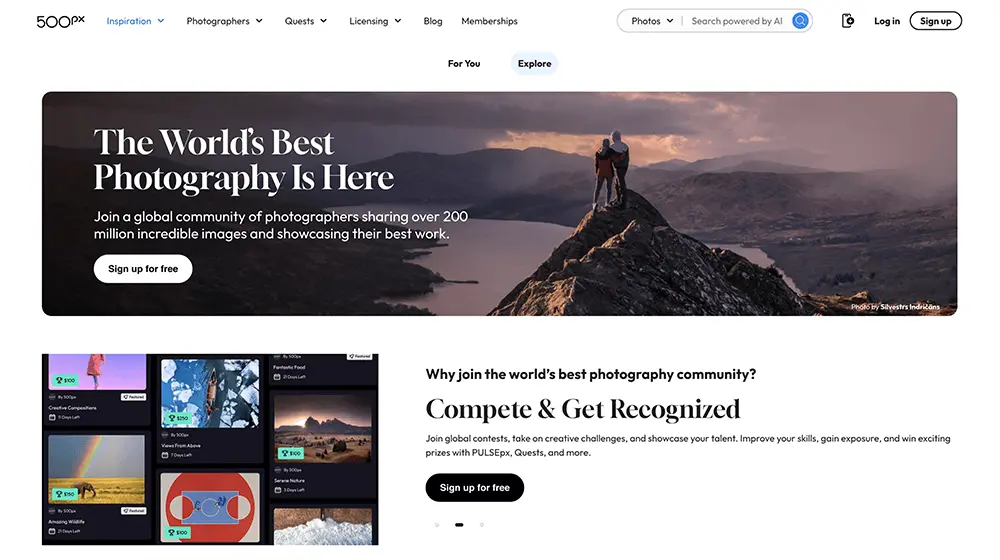
500px is a dynamic platform designed with photographers in mind—particularly those who view photography as an art form. Known for its visually rich and inspiring community, 500px stands out as a space where creativity thrives. If your style leans more toward expressive, artistic, or conceptual photography, this platform offers an ideal marketplace to showcase and monetize your work.
The platform attracts a broad base of image buyers seeking something beyond the typical stock look, including creative agencies, publishers, and designers looking for visually compelling visuals.
How to Submit Photos to 500px
Uploading your work to 500px is straightforward, but the platform has high standards. To get started, you’ll need to create an account and upload images that are at least 20 megapixels in resolution. Submissions are reviewed by the editorial team, and the approval process typically takes a few days depending on volume.
Quality is a top priority, so ensure your photos are sharp, properly exposed, and aligned with the creative tone the platform is known for.
How Much Can You Earn?
500px offers two main earning models:
- Marketplace Sales: If you choose to sell your images directly on the 500px marketplace, you’ll receive 60% royalties for exclusive content.
- Licensing Program: You can also opt into 500px’s global Licensing Program, which distributes your images through partners like Getty Images. In this case, you can earn between 35% to 40% of the license fee, depending on the terms and visibility of your content.
Payouts are typically made via PayPal, and thresholds may vary based on your chosen model.
Pro Tip: To succeed on 500px, focus on originality and strong visual storytelling. Images that evoke emotion or convey a unique perspective tend to perform best—so let your creative side shine.
6. Etsy
Etsy
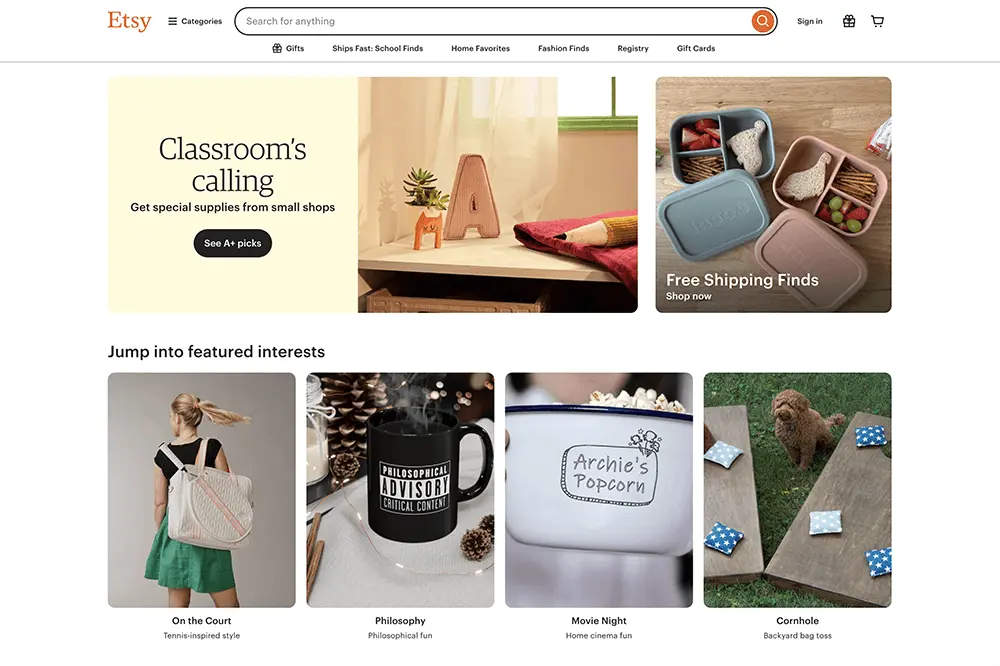
Etsy has earned its place as one of the go-to platforms for creatives—photographers included. Known for handmade goods and unique artwork, it’s also a thriving marketplace for selling photography prints, digital downloads, and wall art. What sets Etsy apart is its audience: buyers come specifically looking for artistic, one-of-a-kind pieces rather than generic stock images. If your work leans toward fine art, minimalist prints, nature, or lifestyle visuals, Etsy could be the perfect match for your creative business.
How to Submit Photos on Etsy
Getting started on Etsy is relatively simple. After setting up your seller profile, you can begin listing your photos. Etsy recommends a minimum resolution of 2000 pixels, and accepts JPG, PNG, and GIF file formats. You can sell digital downloads or physical prints, depending on your setup. Unlike traditional stock sites, Etsy gives you full control over your shop, pricing, product descriptions, and branding.
How Much Can You Earn?
Etsy uses a straightforward fee system:
- $0.20 listing fee per item
- 6.5% transaction fee on each sale
- Additional payment processing fees depending on your chosen method and location
You can receive payments through PayPal, Etsy Payments, or bank transfers. There’s no fixed payout schedule—once you make a sale, you can withdraw your earnings anytime.
Pro Tip: Success on Etsy often depends on presentation. Invest in eye-catching product photos, clear descriptions, and effective keywords. Consider offering bundles, seasonal collections, or customizable options to stand out.
7. iStock
iStock
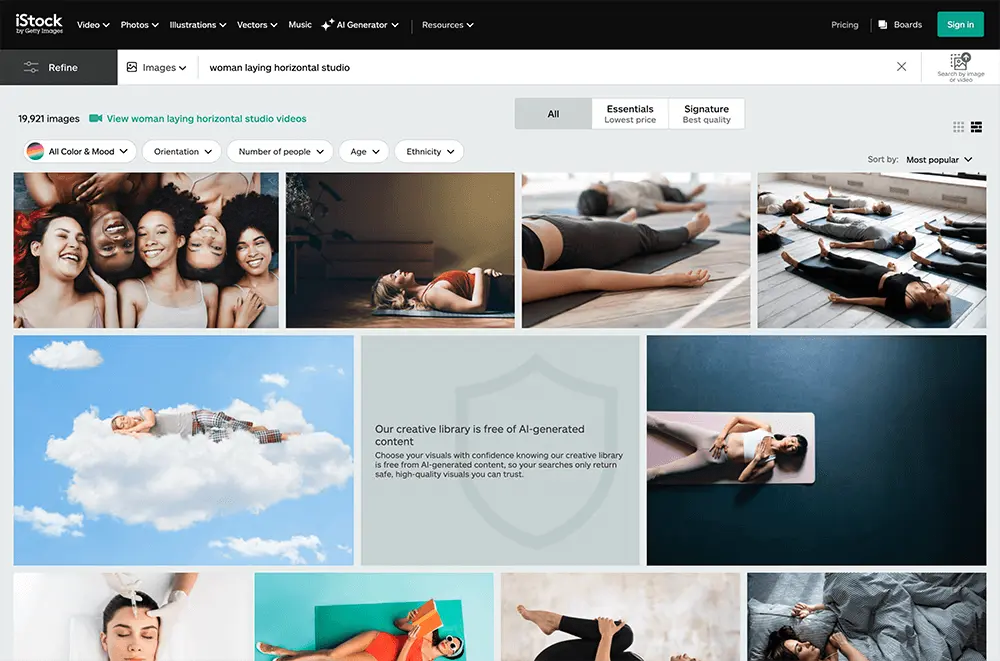
iStock, a subsidiary of Getty Images, is a long-standing marketplace favored by business owners, marketers, and designers worldwide. Thanks to Getty’s global reach, your photos can quickly find an audience across countless industries—making iStock a solid choice if you’re aiming for both visibility and steady sales.
How to Submit Photos to iStock
Getting started is straightforward. After you register on the iStock Contributor platform, you’ll need to agree to the submission guidelines and upload high-resolution JPEG images free of logos or watermarks. iStock’s reviewers evaluate technical quality (focus, exposure, color accuracy) as well as commercial viability. Turnaround is typically fast, and if an image is rejected you’ll receive feedback to help you improve future submissions.
How Much Can You Earn?
iStock pays royalties on every download:
- 15 – 45 % for non-exclusive contributors
- Higher rates for those who qualify as exclusive contributors, which also brings extra visibility in search results
Royalties rise with experience and download volume. Payouts are processed via PayPal or other standard methods once you reach the ≈ $100 threshold.
Pro Tip: Because iStock’s buyers often seek commercially useful images, think about market trends—business scenes, lifestyle setups, and clean compositions with copy space typically perform well. Upload consistently and curate relevant keywords to boost your discoverability.
8. SmugMug
SmugMug
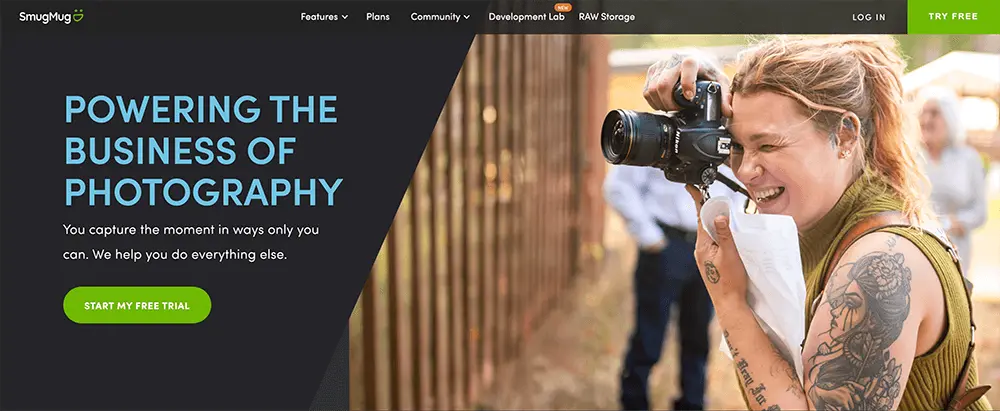
SmugMug is an excellent choice for photographers who want full control over their images, pricing, and branding. While it doesn’t operate like traditional stock photo agencies, SmugMug allows you to build a personalized portfolio site, giving you the freedom to sell photos directly to customers. That said, success on this platform often depends on your own marketing efforts, making it ideal for photographers who are proactive about promoting their work.
How to Submit Photos on SmugMug
Uploading images to SmugMug is a simple and flexible process. The platform supports a variety of file types including JPEG, PNG, TIFF, and PSD. There’s no strict minimum resolution requirement, but as always, high-quality images are recommended to maintain professionalism and appeal to buyers. Unlike many stock platforms, SmugMug doesn’t have a formal review or approval system—your uploads go live immediately. This puts the responsibility on the photographer to ensure images are of excellent quality and well-curated for potential customers.
How Much Can You Earn with SmugMug?
SmugMug works on a subscription model, starting at $9.99/month for the Basic Plan. In return, you get access to a fully customizable storefront and the ability to set your own pricing. The platform offers generous commission rates—typically between 75% to 85%, depending on your subscription tier. Payouts via PayPal are straightforward with no minimum threshold, but if you opt for a bank transfer, you may need to reach a minimum balance of $25 to $50 before receiving payment.